

Every Microsoft partner deck right now looks the same. AI everywhere. Agents for everything. A roadmap slide that makes it look like your Dynamics 365 environment is already intelligent, autonomous, and running itself.
It isn't. Not yet, and possibly not for your specific configuration, region, or licensing tier.
That doesn't mean the AI capabilities in D365 aren't real or worth pursuing. Several of them are. But for CTOs and IT directors making licensing decisions and communicating AI timelines to their boards, the difference between "generally available," "public preview," and "on the roadmap" is not a footnote. It's the entire question.
This post cuts through the marketing layer. Here's what Copilot in Dynamics 365 actually looks like in mid-2026.
What "Generally Available" Actually Means
Before the module breakdown: a quick definition check, because Microsoft uses these terms precisely and partners sometimes don't.
- Generally Available (GA): The feature is live, supported, and covered by SLAs. You can use it in production. Microsoft will not remove it without notice.
- Public Preview: The feature exists and you can try it, but it's not production-ready. No SLA. Subject to change. Some features in preview for months never reach GA.
- Private Preview / Early Access: By invitation only, or available only to select tenants. Not accessible without opting in.
- Announced / On the Roadmap: Microsoft has said it's coming. That's it. Delivery timelines shift. Features sometimes don't ship.
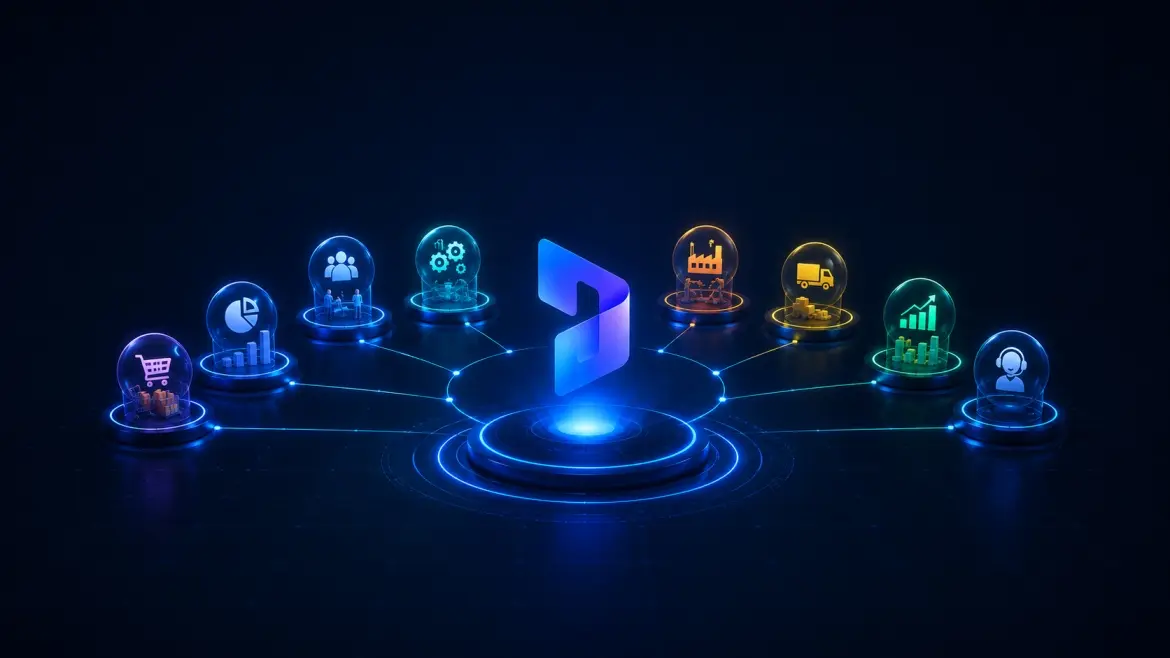
Copilot in D365: What's Actually Live by Module
Sales
Copilot for Sales has been around since early 2024, and honestly, it's one of the areas where the product has had time to grow up. Today, sellers can walk into their day with contextual email drafts already grounded in CRM history, meeting summaries that pull out action items so they don't have to, and opportunity overviews that stitch together D365 and Microsoft 365 signals in one place. It's not magic, but it does remove a lot of the administrative noise that used to eat into selling time.
In 2026 Wave 1, Microsoft brought Sales Agent to the centre of the experience. Think of it as a unified cockpit across Sales Home, Outlook, and Teams so sellers aren't switching between five tabs to piece together context. If you're already on D365 Sales Premium and M365 Copilot, this is all bundled. Nothing extra to buy.
Customer Service
This is arguably where Copilot in D365 has landed most solidly. Four AI agents went GA in October 2025, covering case management, customer intent, quality evaluation, and knowledge management, and Wave 1 2026 has continued building on that foundation rather than starting over.
What does a service rep's day actually look like now? They open Copilot to a prioritised case queue, pull up a case summary without reading through a thread of 30 emails, draft a response grounded in the knowledge base, and move on. Supervisor dashboards surface sentiment signals in real time, so managers aren't finding out a conversation went sideways after it's already over. It's not a concept anymore — teams are running this in production.
Finance
Collections workflows were the first use case to go GA back in early 2024, and Finance Agent has since expanded to cover reconciliation support, variance analysis, and Excel-based data prep, all accessible from within Outlook and Teams, without having to live inside the F&O interface.
One thing worth saying plainly: Finance Agent is only as good as the data underneath it. If your Dataverse structure is clean and unified, it performs well. If you're working with fragmented ledger data or a patchwork of legacy integrations, the output will reflect that. The AI doesn't fix messy data, it just processes it faster.
Supply Chain Management
Demand forecasting with AI assistance, warehouse operations support including picking and stock rebalancing, hands-free scanning, and Copilot-drafted purchase orders and supplier communications — these are live or in advanced preview for Wave 1 2026. The Scheduling Operations Agent in Field Service is newer and still rolling out, but it's one to track if your teams are managing field deployment at scale.
Business Central
For mid-market organisations on Business Central, the Copilot story has quietly become quite practical. Bank reconciliation with AI assistance, natural language financial queries, Copilot-generated product descriptions, and sales and inventory forecasting are all GA. The headline addition in Wave 1 2026 is the AI Development Toolkit, which lets consultants and power users define custom agent behaviour in plain language rather than AL code. For mid-market teams without large dev resources, that's a more accessible entry point into building something bespoke.
What's in Preview and What That Actually Means for You
Work IQ Integration
Microsoft's Work IQ framework, which pipes Dataverse business data into the M365 Copilot interface, is the biggest structural shift in how Copilot and D365 interact. Power Apps integration launched in public preview in March 2026, D365 Sales and Customer Service followed in early April 2026. In practical terms: users will be able to interact with D365 data conversationally through M365 Copilot, without opening the D365 application. This is architecturally significant, but it's preview. Don't build processes around it yet.
Immersive Home (Finance and Operations)
An AI-powered workspace designed as an adaptive landing page for agent management and workflow monitoring across F&O. In preview as part of 2026 Wave 1. Promising for organisations that want a single pane of glass for AI-assisted task management, but not production-ready.
Agentic Capabilities in Manufacturing
Microsoft announced new agentic capabilities across manufacturing in April 2026. The functionality spans production planning assistance and supply chain signal monitoring. Currently in preview, timelines for GA are not fixed.
Agent 365 (Governance)
Agent 365 — the centralised control plane for managing AI agents across your D365 and M365 environment — reached GA in April 2026. If you're deploying multiple agents, this matters for governance. But its integrations with D365-specific agents are still expanding, so the full value is months away for most organisations.
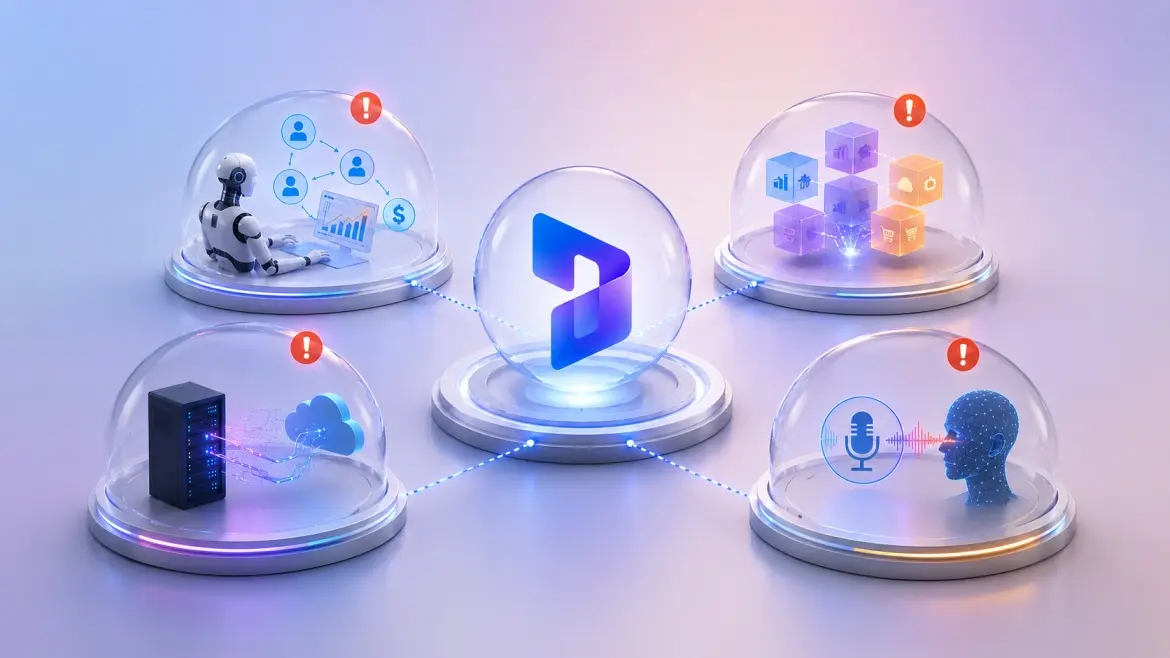
What's Announced but Not Production-Ready
A few items that have appeared in Microsoft keynotes and partner presentations deserve a direct flag:
- Fully autonomous end-to-end sales cycles: The vision of Sales Agent running complete deal cycles without human input is aspirational. Current GA functionality assists sellers, it doesn't replace them. The autonomous loop requires data quality, CRM hygiene, and process standardisation that most organisations haven't achieved.
- Cross-module AI orchestration: The idea of a single AI agent that spans Finance, Sales, Service, and Supply Chain simultaneously is roadmap material. Today, agents operate within module boundaries. Cross-app coordination exists at the data layer (via Dataverse) but not at the agent execution layer.
- Real-time MCP server integration: Model Context Protocol server improvements are on the Wave 1 roadmap for F&O. The promise is richer, bidirectional AI reasoning against live ERP data. This is in active development, not GA.
- Voice and multimodal interfaces for D365: Mentioned across various Microsoft events. Not in the D365 Copilot release plan for 2026.
How to Evaluate Readiness for Your Environment
Before any Copilot conversation becomes a licensing conversation, run an honest audit across three dimensions:
- Data quality: Copilot surfaces what's in Dataverse. If your master data is incomplete, duplicated, or inconsistently structured, the AI output will reflect that. No licence solves a data quality problem.
- Permission architecture: Copilot respects your existing permission model, which means it will surface content users already have access to. If your permission structure is too broad, you have a governance problem that AI adoption will amplify, not create. Audit SharePoint, OneDrive, and Dataverse permissions before enabling Copilot at scale.
- Process maturity: Copilot accelerates defined processes. If a workflow is inconsistent across your team today, giving everyone an AI assistant doesn't standardise it — it accelerates the inconsistency. Map the process before you automate it.
- Licence coverage: Embedded Copilot features (record summarisation, contextual help, AI-assisted drafting) are included in base D365 app licences. Richer agent experiences — Sales Agent, Finance Agent, Service Agent — require M365 Copilot at $30/user/month (enterprise) or $18/user/month (SMB under 300 users). Clarify which features fall in which tier before your next renewal.

Questions to Ask Your Microsoft Partner Before Expanding Licences
These are the questions that distinguish a credible implementation conversation from a vendor pitch:
- Which specific features are GA in my D365 version and region? Not all Copilot features are available in all geographies. Some are US-first. Get the specific feature availability list for your tenant configuration.
- What data prerequisites do these features require? Ask for the Dataverse data model requirements and the realistic data readiness assessment before committing to a use case.
- What's the licence dependency chain? Map which features require which licences. Some D365 Copilot capabilities require M365 Copilot. Some require Copilot Studio add-ons. Some are bundled. The dependency tree matters for your TCO calculation.
- What's in preview versus GA in the features you're proposing? If a partner is proposing a use case built around preview functionality, that's a risk position. Ask explicitly. Request the Microsoft documentation link for each feature and its status.
- What has changed between the roadmap and the current release? Features announced at Microsoft Ignite or Build don't always ship on the stated timelines. Ask your partner which promised features have slipped, and for which reasons.
- What does your Copilot readiness assessment cover? A good partner will assess data quality, permission architecture, process maturity, and change management — not just licence eligibility. If the assessment is primarily a licence recommendation, that's a signal.
- What does success look like at 90 days? Meaningful individual productivity gains from Copilot typically emerge within 60–90 days of active use. Organisational-level impact takes 6–12 months. If your partner can't define 90-day metrics, the engagement lacks accountability.
The Bottom Line
Microsoft's Copilot roadmap for Dynamics 365 is ambitious and, in several areas, delivering. Sales and Customer Service have the most mature implementations. Finance is catching up. Supply Chain and manufacturing are earlier-stage but moving fast.
The risk for organisations isn't that Copilot doesn't work. The risk is expanding licences and scope based on roadmap promises rather than GA reality — and then managing the expectation gap when features arrive late, behind a paywall, or requiring data infrastructure you don't yet have.
The organisations getting the most value from D365 Copilot right now didn't start with AI. They started with clean data, clear processes, and a realistic assessment of where AI accelerates work that already works. That's still the right starting point.